Showing posts with label blog buttons. Show all posts

Monday, January 16, 2012

Disney Tag Blog Buttons...Sort of!! :}

Okay, after spending waaaayyyy too many hours of my life on these blog buttons, they are still not working properly.  So here's what you can do.  Copy your favorite picture below and save it to your computer.  Then go to your Design page on Blogger, click on "Add a Gadget", and choose "Picture".  There will be an option to add a link to the picture.  You can add this direct link to my Disney Tag post:  http://nevergrowupdollguide.blogspot.com/2012/01/disney-tag.html 

Add the picture and you should be good!  I'm sorry I have to do things this way, but it was just getting ridiculous.  Plus, my children really don't need to witness me having a mental breakdown. ;)

Hope this works for you.  If you have any questions or problems, just comment below and I'll see if I can help you. :)

Have fun and spread the word! :D


Wednesday, February 2, 2011

More Blog Buttons! :)

Okay, this blog button thing is addicting! :)  Here are a few more options for you, if you like these better than my first one.  All of these buttons are for "Never Grow Up".  I've only done one button for Tess and Maggie...so far. :)


None


None


None


So, once again, to add these to your blog sidebar, you're going to copy the code beneath the picture you like best and paste it in the "HTML/Java Script" part of "Add a Gadget" on your Blogger Design page.  For more info, check out my earlier post HERE. 

Have fun!! :)
Blog Button Mystery Solved!!

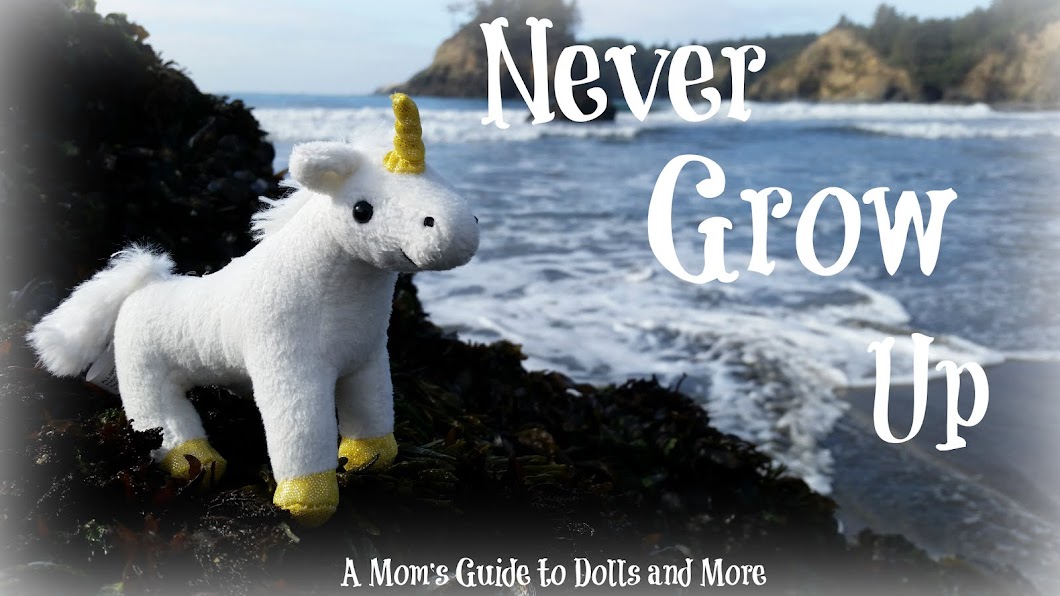
Yay!! I finally figured out how to make and grab blog buttons today (with help from some online tutorials and my wonderful hubby).  So you'll notice the buttons for this blog and Tess and Maggie's blog at the top of the sidebar.  I also have some buttons right above my followers that lead to other fun blogs.  Be sure to go see for yourself! 

For those of you who don't know how to grab a blog button, all you have to do is copy the code underneath the blog button.  Go to the "Design" page on your blog, click "Add a Gadget", choose "HTML/Java Script", and then paste the code in the space.  The blog button should appear on your sidebar! :)

I've been having so much fun, now that I finally know how to make them.  Thanks to my newest follower, Miss Laurie of "Old Fashioned Charm" (see her button on my sidebar), for your post on blog buttons.  The link someone left to a button tutorial is what got me started. :)